More and more products reach the market with a companion app. A wearable, a smart appliance, a connected medical device or an industrial sensor can no longer be understood without the application used to set them up, control them and check their data. In these connected products, the experience doesn’t end at the hardware: it continues on the phone screen.
That’s why the UX/UI design of the app that accompanies a device is not a final add-on, but an essential part of the product. A good app can multiply the value of great hardware; a bad one can ruin the perception of an excellent product. In this article we look at how to design that application so the experience between device and app is smooth, coherent and satisfying.
The companion app is no longer an accessory: it’s part of the product
In a connected or IoT product, the companion app is where the user configures the device, accesses its advanced features and views the information it generates. Even if the hardware does its job well, it’s the app that shapes much of the user experience.
Designing that application with UX/UI criteria from the start —and not as a layer added once the hardware is already closed— is what allows both to work as a single product. Hardware and software must be conceived in a coordinated way, not in parallel.
First use: onboarding and pairing the device
The most critical moment of a connected product is the first time it is switched on. Pairing the device with the app, connecting to the network and the initial setup are steps where many users give up if something isn’t clear.
Good onboarding should guide step by step, anticipate common errors —a wrong network password, Bluetooth switched off— and offer solutions without jargon. The more invisible the technology is in this first contact, the better the user experience.
Design the app around the device, not the other way around
Unlike a conventional app, the application of a connected product depends on a physical element that can be on or off, connected or out of range, with or without battery. The UX/UI design must reflect the real state of the device at all times.
This means designing for the synchrony between hardware and software: what can be done when the device isn’t nearby, how to show data that arrives with a delay, or how to communicate that an action has actually been executed on the product and not just on the screen.
Continuity between the physical product and the graphical interface
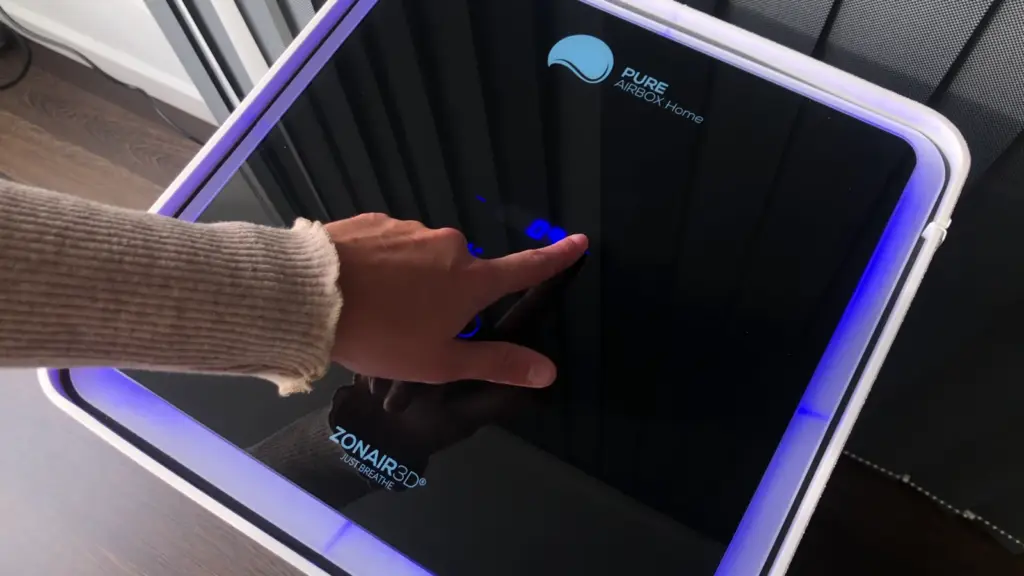
In a connected product, the user constantly moves from the physical object to the app and back. For that transition to be frictionless, the graphical interface must stay consistent with the product’s visual language: the same colours, icons and hierarchies that appear on the casing, the buttons or the device itself.
This continuity, which links industrial design with UX/UI design, reinforces the product’s identity and makes the app feel like a natural extension of the hardware, not an alien piece of software.
Managing connectivity, states and errors
Connectivity is one of the main sources of frustration in connected products. A well-designed app must consider what happens when the connection drops, when data takes time to update or when the device runs out of battery.
Designing these states —offline mode, background sync, alerts and notifications— clearly prevents the user from thinking the product has failed. Communicating well what is happening is often as important as the function itself.
Prototype and validate the complete experience
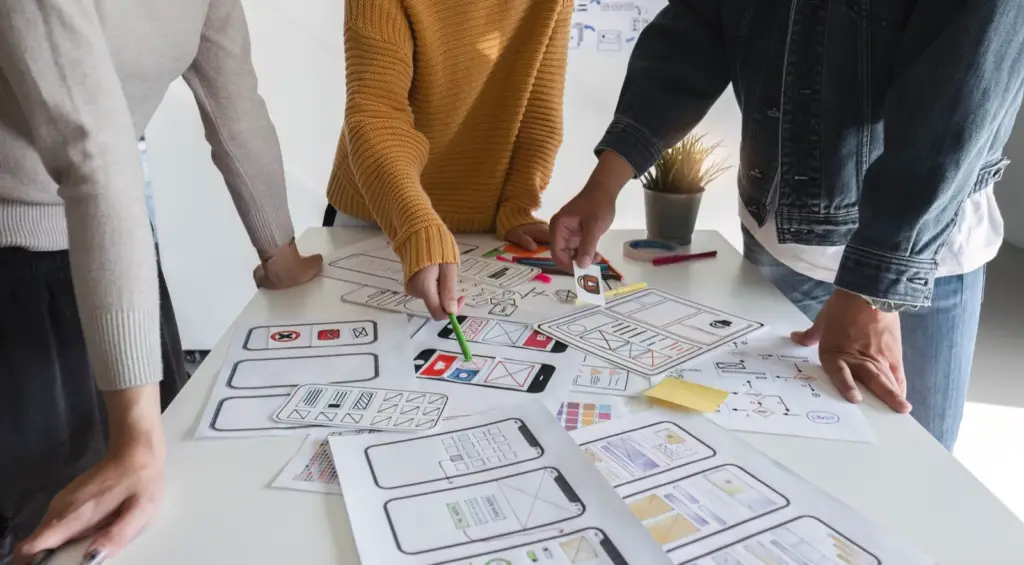
In a connected product it isn’t enough to validate the app on its own: the real experience is only tested when the application works alongside the device. That’s why it’s worth prototyping in an integral way, with wireframes and interactive mockups first, and then tests with real hardware or development boards that reproduce the final behaviour.
Testing the complete user experience with real users before manufacturing helps detect friction, correct the flow and reduce development time and costs.
I-MAS: UX/UI design integrated into product development
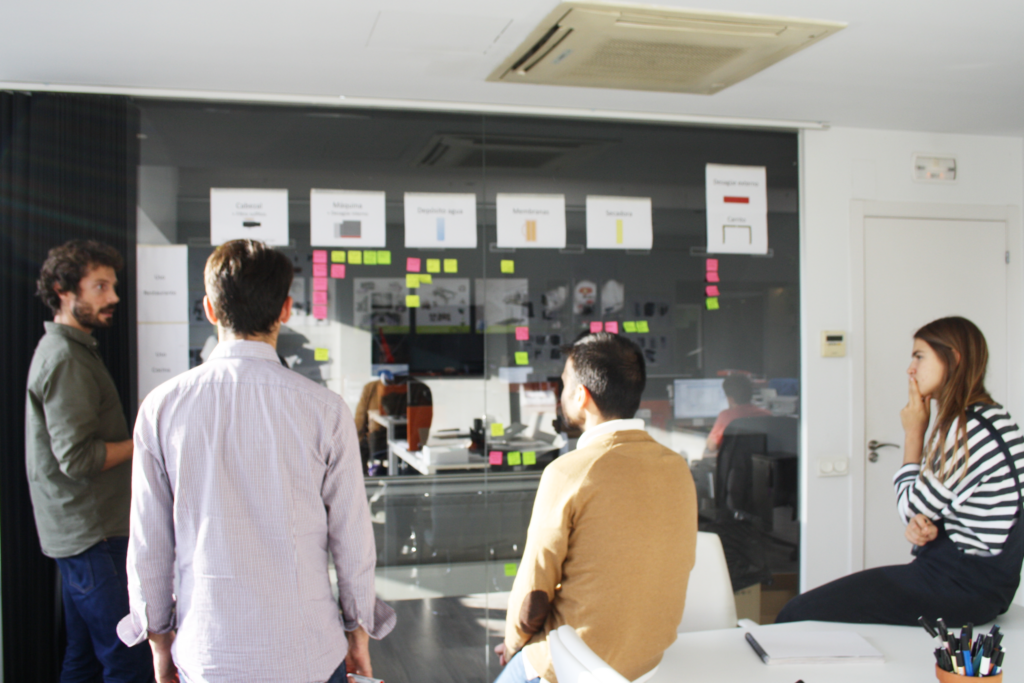
At i-mas we approach product design in an integral way: industrial design, electronics, embedded software, prototyping and UX/UI design working from the very first phase. This vision allows the app that accompanies a device to be conceived together with the hardware, ensuring a seamless experience between the physical product and its digital environment.
Discover how we can help you take your project to the next level. Contact us and take the first step towards innovation.